
XM Account Types Compared — Standard vs Ultra Low vs Shares (Which Should You Pick?)
Table of contents
- The 3 Main XM Account Types Explained
- XM Standard — The All-Rounder
- XM Ultra Low — Best for Scalping and EAs
- XM Shares — For Direct Equity Investing
- Side-by-Side Comparison Table
- Which Account Fits Your Trading Style?
- How to Open Multiple Account Types Under One Login
- References
The 3 Main XM Account Types Explained
One of the things XM does well is keeping its account lineup simple. Instead of presenting you with eight account variants that all do roughly the same thing, XM offers three clearly differentiated options:
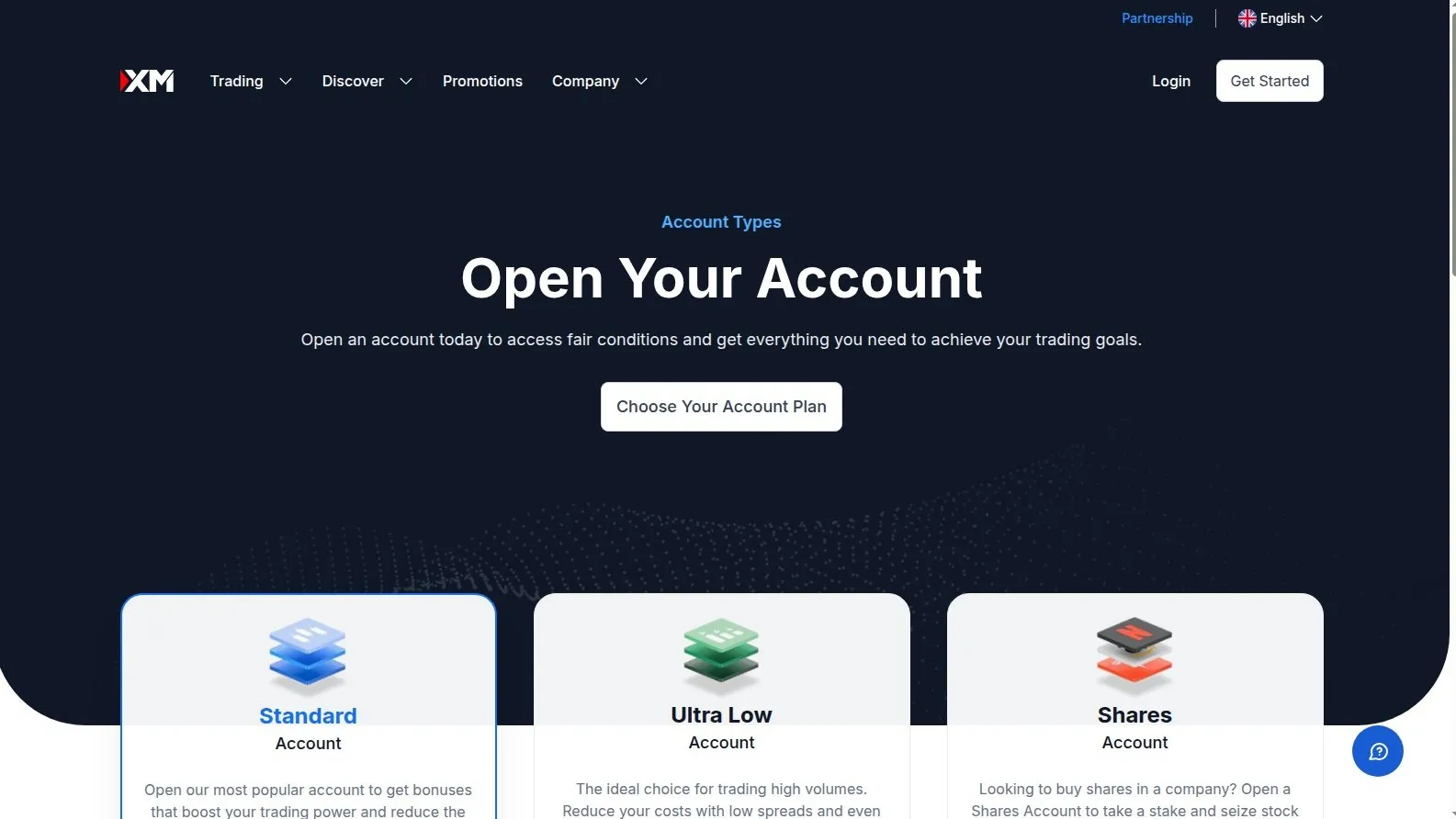
- Standard Account — the all-rounder, designed for the majority of forex and CFD traders
- Ultra Low Account — tighter spreads for cost-conscious traders, scalpers, and EA users (this is XM's "Zero / Raw Spread" equivalent)
- Shares Account — dedicated to direct equities trading (real stock positions, not CFDs)
Picking the right one upfront saves you from having to migrate balances later. This guide walks through each account, the trader profile it's built for, and a head-to-head comparison table to make the decision easier.
XM Standard — The All-Rounder
The Standard account is XM's most popular option, and for good reason. It strikes a balance between accessibility and functionality:
- Minimum deposit: $5
- EUR/USD spread: from 1.6 pips average, no commission
- Lot size: 1 lot = 100,000 units (standard)
- Max leverage: up to 1:1000 (depending on entity and instrument)
- Hedging, scalping, EAs all allowed
- Bonus eligible — $100 no-deposit + stackable deposit bonuses up to $5,000
The Standard account is the right choice if you're a beginner, a swing/position trader, or anyone who values bonus eligibility over the absolute tightest spreads. Most XM users start here and stay here.
XM Ultra Low — Best for Scalping and EAs
If you're trading high frequency, running EAs, or simply hate paying spread cost, the Ultra Low account is what you want. It's XM's answer to the "Zero" or "Raw Spread" accounts found at other brokers:
- Minimum deposit: $5
- EUR/USD spread: from 0.6 pips average, no commission
- Lot size: same as Standard (1 lot = 100,000 units), Micro lots available
- Max leverage: up to 1:1000 (entity-dependent)
- Hedging, scalping, EAs all allowed
- Bonus eligibility varies — typically not bonus-eligible, but rebate-eligible
The key trade-off: tighter spreads, but you give up the deposit bonus. If you trade frequently — say, 20+ lots per month — the spread savings on Ultra Low will outweigh the bonus value within a few weeks.
XM Shares — For Direct Equity Investing
The Shares account is fundamentally different from the Standard and Ultra Low accounts. It's designed for traders who want to own actual shares in companies, not trade CFDs on them.
- Minimum deposit: $10,000
- Tradeable assets: real stocks (no CFDs)
- No leverage — you buy shares with your actual capital
- No bonus or rebate eligibility
- Settlement and dividends work like a traditional broker
Unless you're specifically looking to buy and hold real stock positions (e.g., Apple, Tesla, Microsoft), the Shares account isn't relevant for typical forex/CFD traders. Most active XM users stay on Standard or Ultra Low.
Side-by-Side Comparison Table
| Feature | Standard | Ultra Low | Shares |
|---|---|---|---|
| Min Deposit | $5 | $5 | $10,000 |
| EUR/USD avg spread | 1.6 pips | 0.6 pips | N/A |
| Commission | $0 | $0 | Per stock varies |
| Max Leverage | 1:1000 | 1:1000 | None (cash) |
| EAs / Scalping | Allowed | Allowed | N/A |
| Bonus Eligible | ✓ | Limited | ✗ |
| Best For | Beginners, swing traders | Scalpers, EA users | Long-term equity investors |
Which Account Fits Your Trading Style?
Quick decision tree:
How to Open Multiple Account Types Under One Login
One of XM's underrated features is the ability to open multiple sub-accounts under one main login. This means you can:
- Run a Standard account for swing trades that benefit from the deposit bonus
- Run an Ultra Low account in parallel for your EA or scalping strategy
- Open a separate demo account on each type to test before going live
To do this: sign up once via this link, complete KYC once, then add additional accounts from your Members Area — no new verification needed. Each account has its own MT4/MT5 login but shares the same identity and funding sources.
If you're ready to start, open your XM account here. You can decide Standard vs Ultra Low during signup — and switch or add the other type any time afterwards.
References
- Open XM Account (All Types Available)Signup link with bonus and rebate eligibility activated automatically.
- XM Account Types PageOfficial side-by-side comparison of all current account types.
- XM Official SiteLatest spread tables, leverage limits, and entity disclosures.